
Camera hubLoading border cameras
Preparing verified previews, official camera links, wait-page links, and safety notes.
Preparing verified previews, official camera links, wait-page links, and safety notes.
Find a crossing, open a camera, and check its latest display status. Camera views do not measure your lane wait.
Search by crossing or city. Availability reflects this visit, not a guarantee of live footage.
Images and videos that can render here, filtered by the controls above.
 Camera thumbnailNot checked yetCalifornia Department of Transportation · Refreshing imageUS / MX · NorthboundSR-111 northbound north of 2nd Street
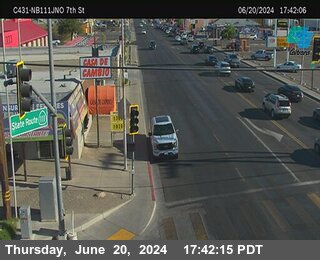 Camera thumbnailNot checked yetCalifornia Department of Transportation · Refreshing imageUS / MX · NorthboundSR-111 northbound north of 7th Street
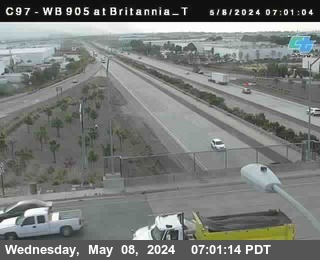 Camera thumbnailNot checked yetCalifornia Department of Transportation · Refreshing imageUS / MX · WestboundSR-905 at Britannia top
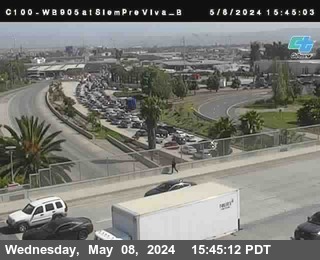 Camera thumbnailNot checked yetCalifornia Department of Transportation · Refreshing imageUS / MX · WestboundSR-905 at Siempre Viva
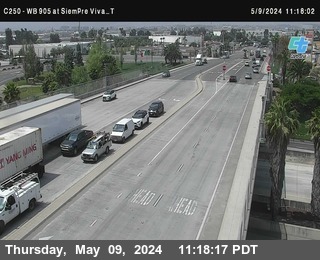 Camera thumbnailNot checked yetCalifornia Department of Transportation · Refreshing imageUS / MX · WestboundSR-905 at Siempre Viva lower view
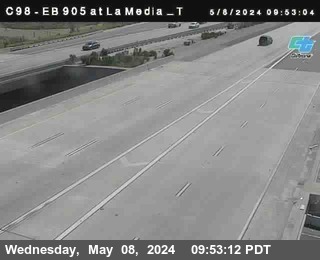 Camera thumbnailNot checked yetCalifornia Department of Transportation · Refreshing imageUS / MX · EastboundSR-905 at La Media
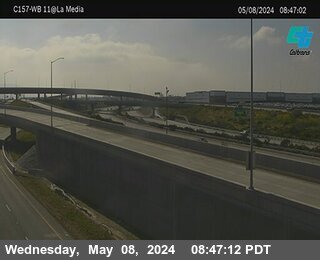 Camera thumbnailNot checked yetCalifornia Department of Transportation · Refreshing imageUS / MX · WestboundSR-905 at SR-11 La Media off-ramp
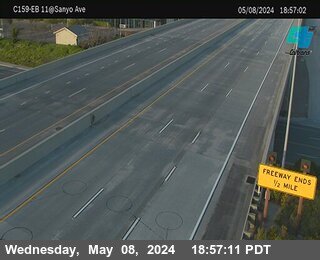 Camera thumbnailNot checked yetCalifornia Department of Transportation · Refreshing imageUS / MX · EastboundSR-905 at Sanyo Avenue
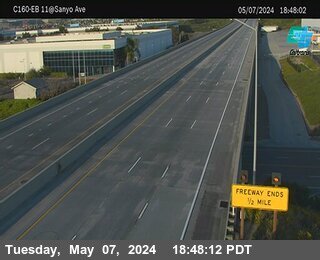 Camera thumbnailNot checked yetCalifornia Department of Transportation · Refreshing imageUS / MX · EastboundSR-905 at Sanyo Avenue 2
 Camera thumbnailNot checked yetCalifornia Department of Transportation · Refreshing imageUS / MX · WestboundSR-905 at Airway Road westbound
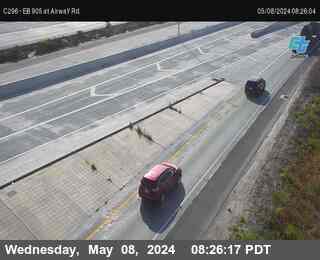 Camera thumbnailNot checked yetCalifornia Department of Transportation · Refreshing imageUS / MX · EastboundSR-905 at Airway Road eastbound
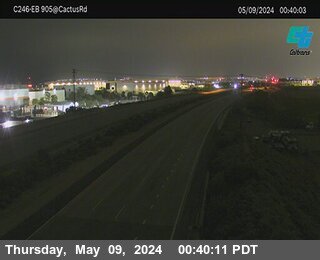 Camera thumbnailNot checked yetCalifornia Department of Transportation · Refreshing imageUS / MX · EastboundSR-905 west of Britannia Road
Provider: California Department of Transportation
Caltrans provides official D11 camera images and location details. Camera views load directly from Caltrans. These images are not used for search or social previews. Border Times does not keep or inspect camera images.
Provider: California Department of Transportation
Caltrans provides official D11 camera images and location details. Camera views load directly from Caltrans. These images are not used for search or social previews. Border Times does not keep or inspect camera images.
Provider: California Department of Transportation
Caltrans provides official D11 camera images and location details. Camera views load directly from Caltrans. These images are not used for search or social previews. Border Times does not keep or inspect camera images.
Provider: Government of British Columbia / DriveBC
DriveBC cameras page provides direct Pacific Highway camera images. Camera views load directly from DriveBC. These images are not used for search or social previews. Border Times does not keep or inspect camera images.
Provider: Government of British Columbia / DriveBC
DriveBC cameras page provides direct Peace Arch camera images. Camera views load directly from DriveBC. These images are not used for search or social previews. Border Times does not keep or inspect camera images.
Provider: Government of British Columbia / DriveBC
DriveBC cameras page provides direct Sumas / Huntingdon camera images. Camera views load directly from DriveBC. These images are not used for search or social previews. Border Times does not keep or inspect camera images.
Provider: Ontario 511 / Ontario Ministry of Transportation
Ontario 511 provides official camera views. Selected Niagara/Highway 405 and QEW views returned live images during review; unavailable placeholder views are excluded. Camera views load directly from Ontario 511. These images are not used for search or social previews. Border Times does not keep or inspect camera images.
Provider: Ontario 511 / Ontario Ministry of Transportation
Ontario 511 provides Highway 402 Sarnia corridor camera images that returned live images during review, including closer Front/Christina Street approach views. Camera views load directly from Ontario 511. These images are not used for search or social previews. Border Times does not keep or inspect camera images.
Start with a popular crossing, or use region filters below.
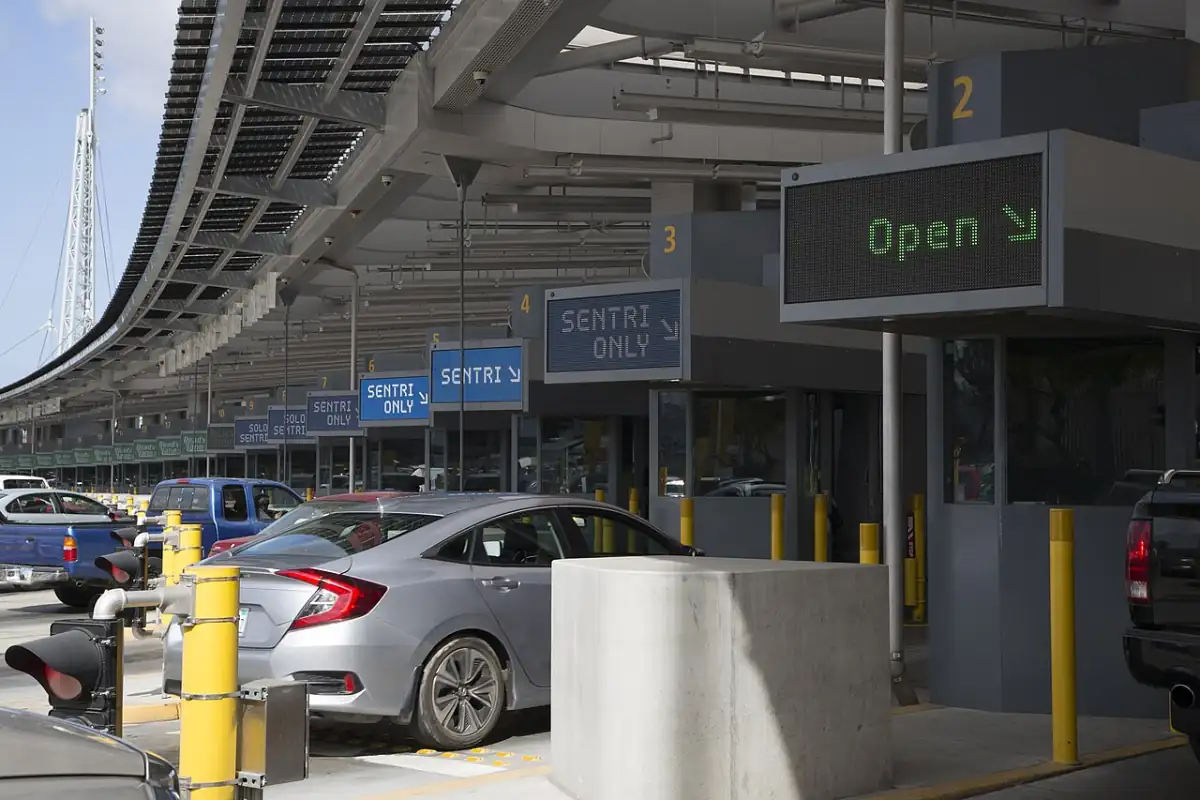 Photo: U.S. Customs and Border ProtectionCalifornia / Baja
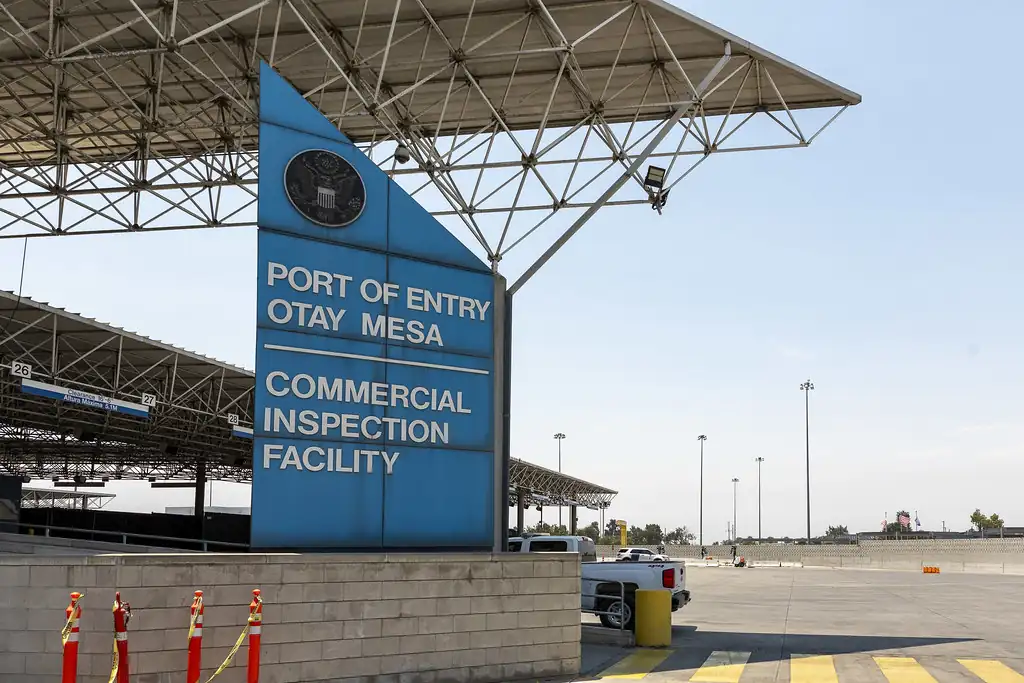 Photo: DHS photo by Mani AlbrechtCalifornia / Baja
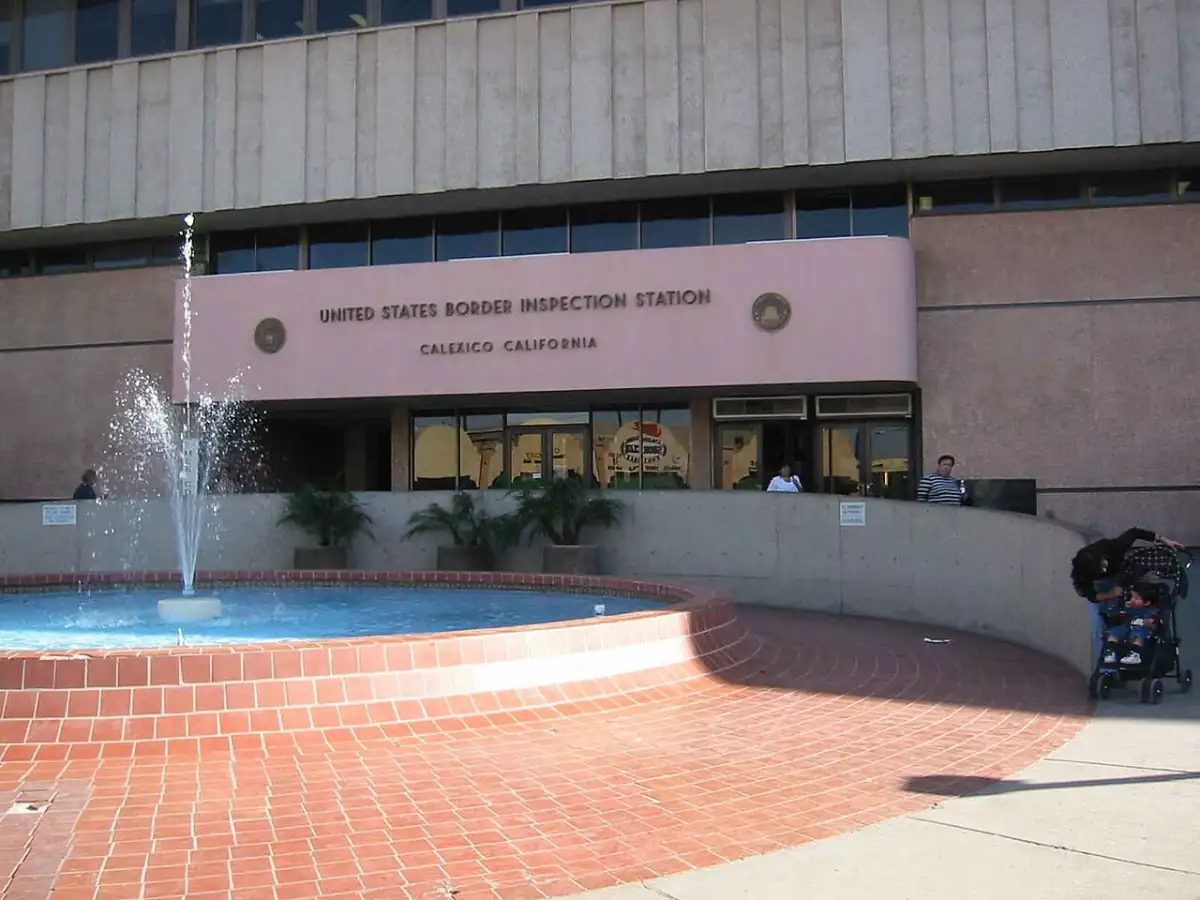 Photo: WbaronImperial Valley
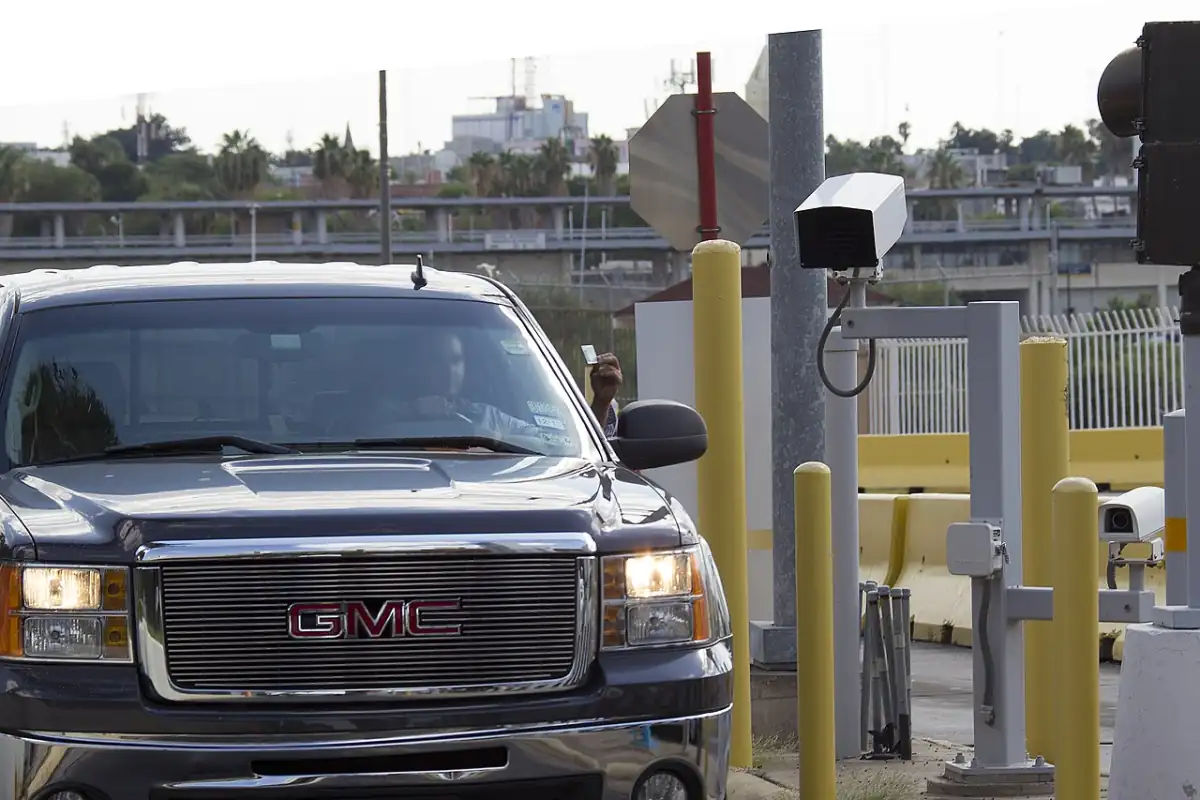 Photo: U.S. Customs and Border ProtectionSouth Texas
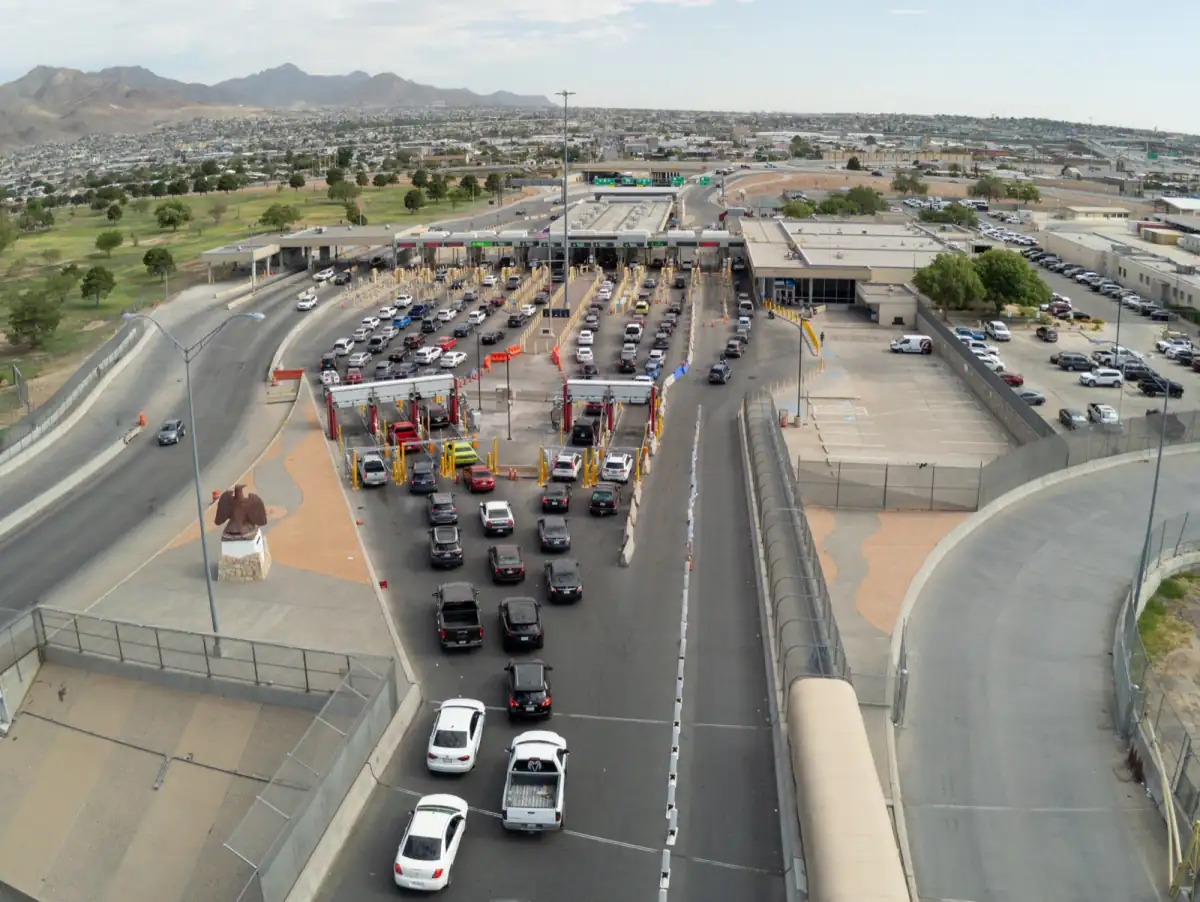 Photo: CBP PhotographyWest Texas
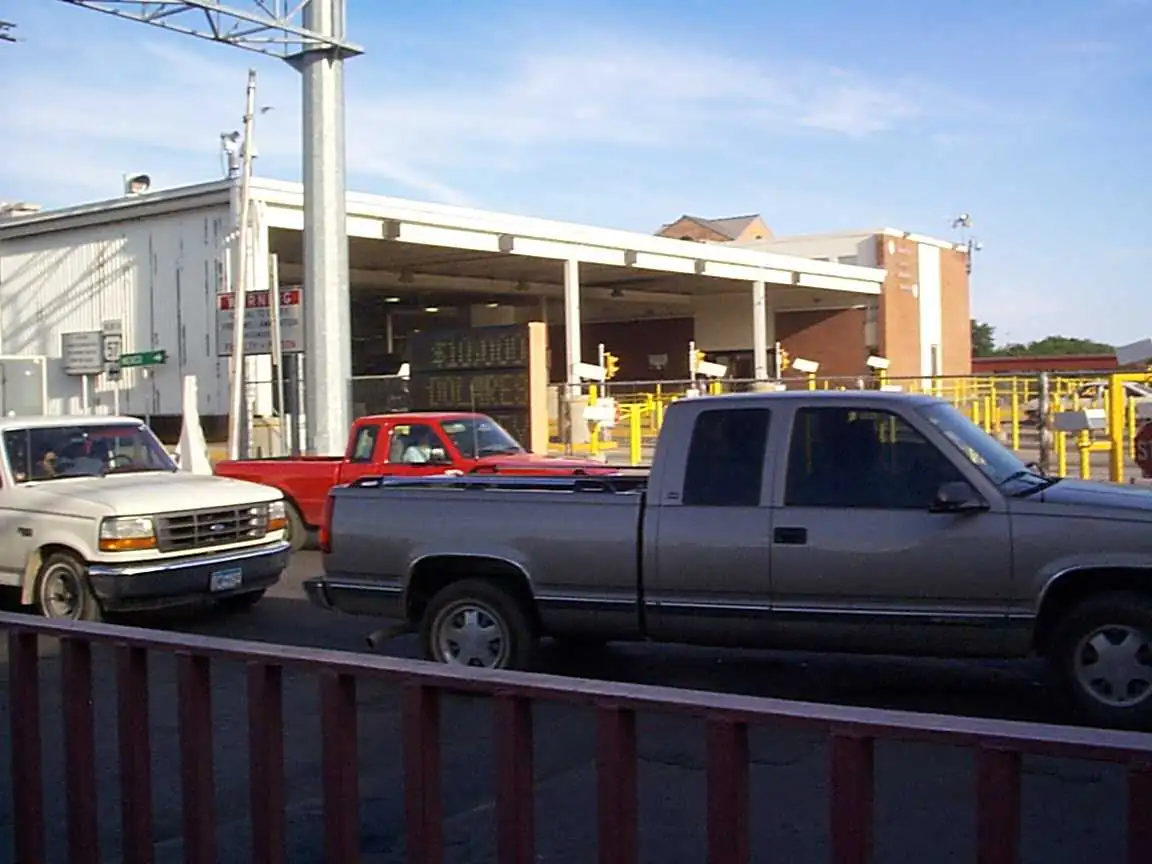 Photo: WbaronSouth Texas
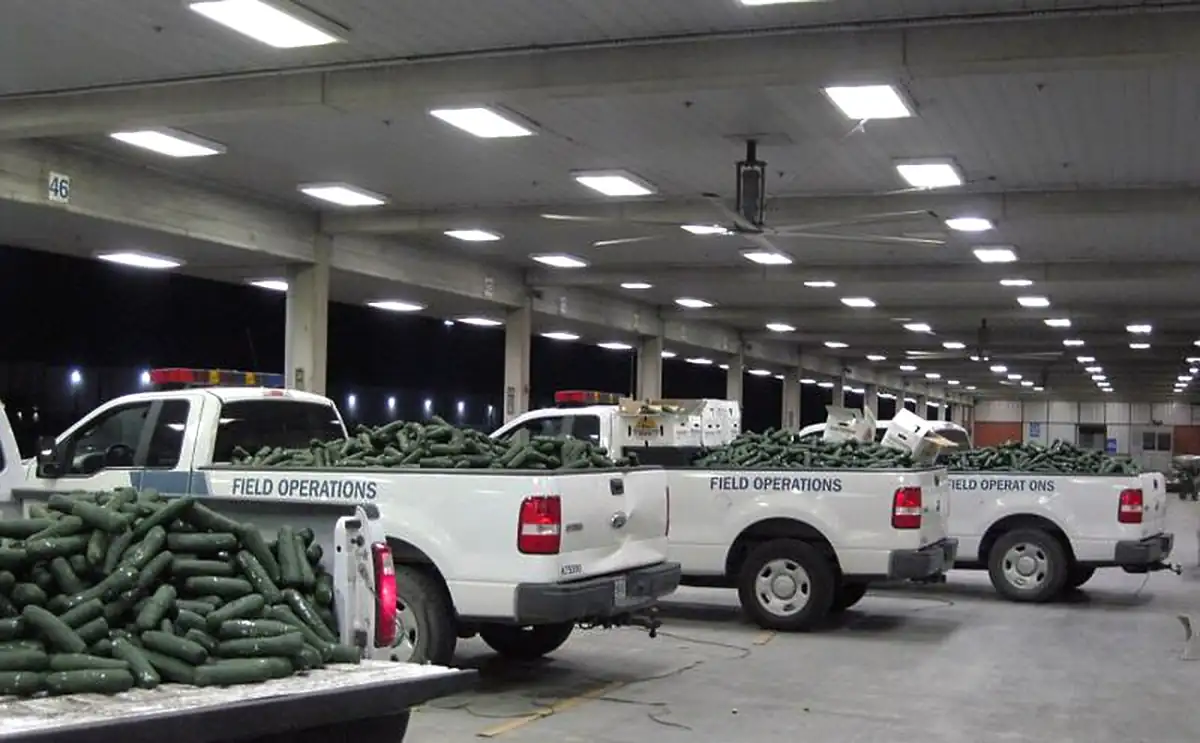 Photo: U.S. Customs and Border ProtectionRio Grande Valley
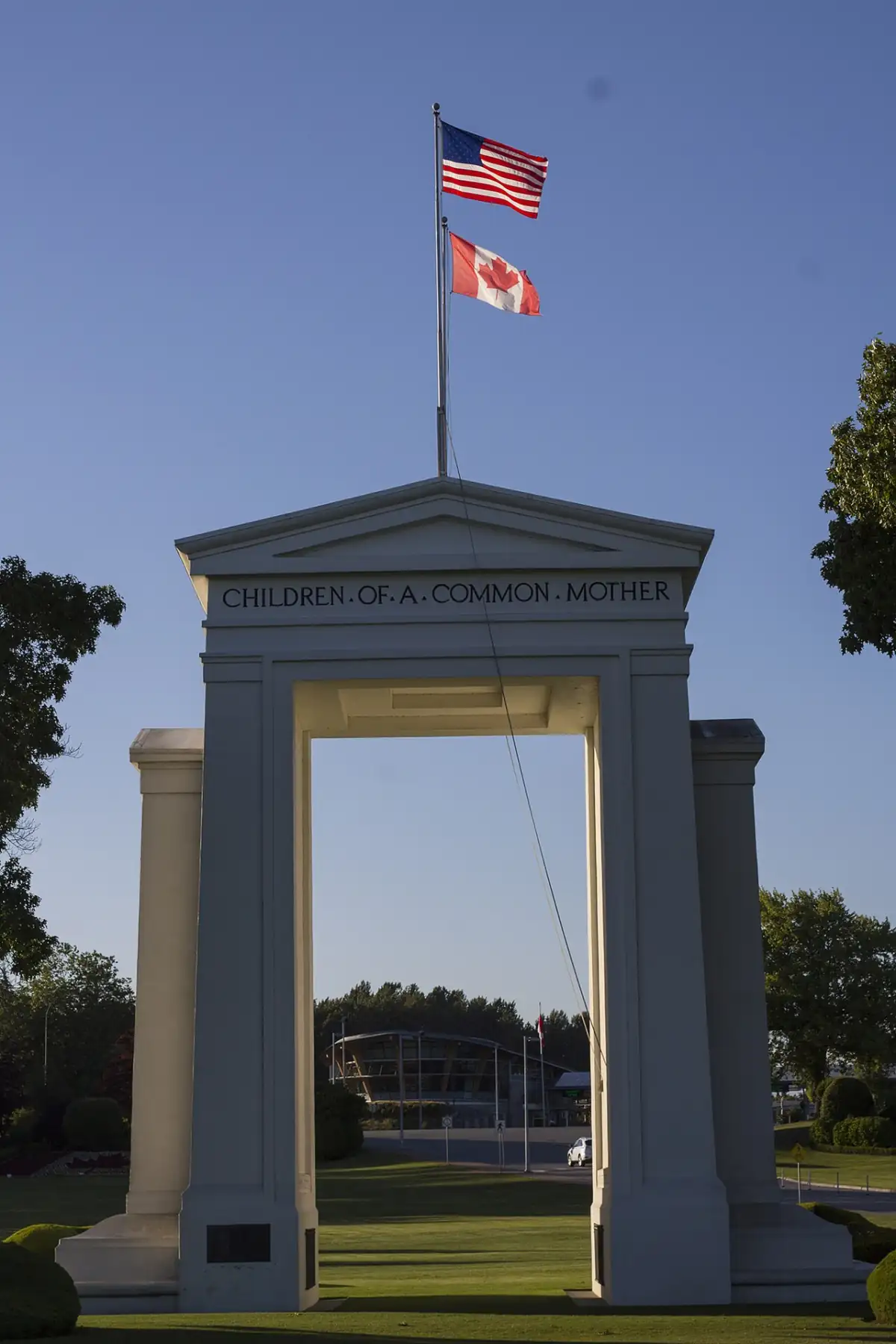 Photo: Jeff MacleodWashington / B.C.
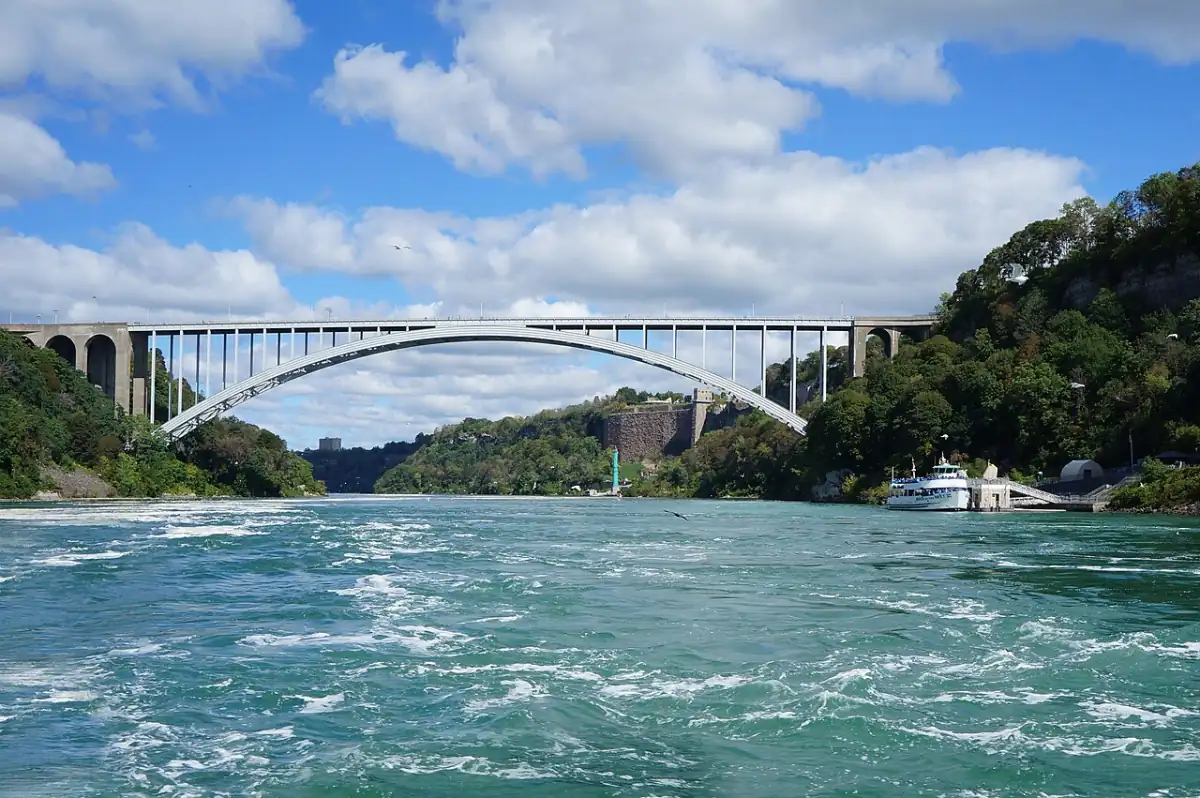 Photo: Pierre Andre LeclercqNew York / Ontario
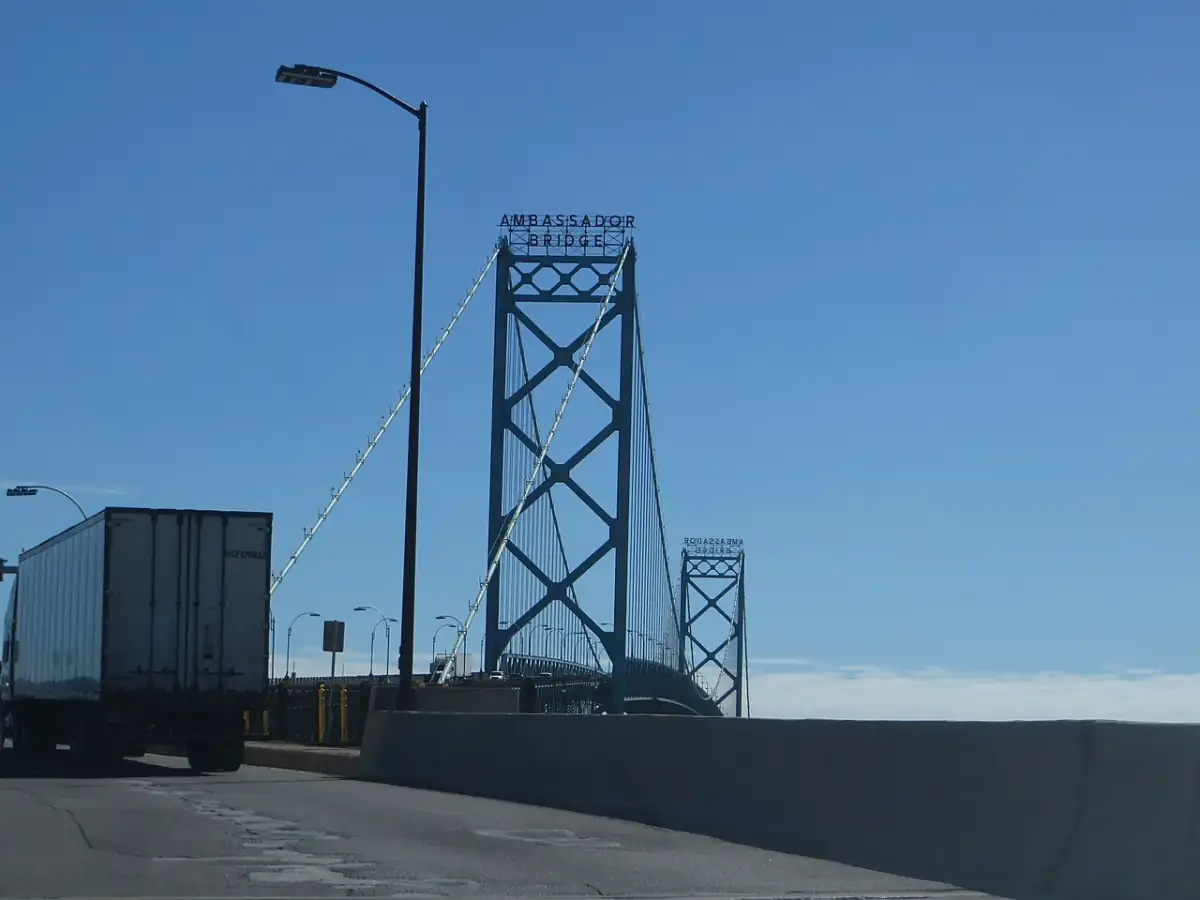 Photo: Ken LundMichigan / Ontario
Every verified camera view can appear on this hub and on matching port pages. Link-only cameras stay visible with provider, display status, and official buttons.
Camera views help confirm whether a bridge, port road, inspection approach, or nearby corridor looks backed up. Pair that visual check with current wait pages, lane tables, alerts, and nearby alternatives.
Each camera card keeps the provider, coverage, display label, and official link visible. Camera views without verified display permission stay as link cards instead of copied media.
Camera views appear only when our review marks the camera safe for display. Unknown, restricted, link-only, or permission-required cameras remain link-first.
Use San Ysidro, Otay Mesa, Calexico, Laredo, El Paso, Eagle Pass, and Pharr camera pages with their matching wait-time pages so camera context does not replace current wait data.
Camera decisions
Start with camera views for a quick traffic check, then open the matching crossing wait page for lane-level waits, last update, alternate crossings, and alert options. Camera images can lag, fail, or show only one approach, so the wait page remains the main route-planning page.
The hub lists official and public border camera pages from transportation agencies, bridge operators, and cities. Each card shows provider, coverage, review status, and whether a live view can appear on Border Times.
Camera views appear here only when use rules, review status, and display permission allow it. Camera pages without verified display permission stay link-first so travelers can still reach the official camera page.
Use the camera view to inspect approach traffic and use the matching wait-time page for lane-specific waits, update status, alerts, nearby crossings, and historical context before choosing a route.
Visible camera views load directly from their providers. Search and social previews use page imagery, not camera frames. Display permission does not authorize copying or caching camera images. Border Times does not keep screenshots or inspect camera images unless permission explicitly allows that future use.